
Download WebCamXP – webcam, live stream, video broadcast, remote monitoring, web camera
Overview
WebCamXP is a lightweight mobile application designed for users seeking to broadcast live images or videos from their webcams directly through their smartphones. The app enables seamless integration between a webcam and a mobile device, allowing users to stream video content remotely. It is particularly useful for individuals who need to monitor spaces in real time or share live visual content with others. Whether used for personal safety, remote work setups, or creative content creation, WebCamXP addresses the need for accessible and flexible live video transmission.
Target users include home users interested in remote monitoring, content creators requiring live streaming tools, and professionals managing remote environments. The app supports both private and public broadcasting, offering users control over who accesses the live feed. This flexibility makes it suitable for a range of scenarios, from security monitoring to live event coverage. Although the developer did not provide additional technical details about the app’s background or development history, its long-standing presence in the mobile ecosystem suggests a focus on simplicity and functionality.
Real-world use cases include monitoring a home office while away, live-streaming outdoor events, or sharing a pet’s daily activities with family. In the broader app ecosystem, WebCamXP fills a niche for lightweight, no-frills webcam broadcasting tools, especially for users who prefer direct control over their streams without relying on third-party platforms.
Key Features & Functionality
- User-Friendly Interface: WebCamXP features an intuitive layout that simplifies the setup and operation of live broadcasts. The interface is designed to minimize technical barriers, allowing users with minimal experience to quickly configure their webcam and begin streaming.
- Live Streaming Options: Users can broadcast live video from their webcam to a selected hosting server. The app supports both private and public streams, giving users full control over access and visibility.
- Scheduling Capabilities: The app includes a built-in scheduler that allows users to automate photo captures or video recordings at specific times. This feature is ideal for time-lapse content or regular monitoring without manual intervention.
- Multiple Webcam Support: WebCamXP supports switching between multiple connected webcams, enabling users to capture different angles or environments dynamically during a session.
- Customizable Output Settings: Users can adjust video quality, choose output formats, and apply compression settings to optimize bandwidth usage and ensure compatibility across various devices and internet speeds.
For example, a user might schedule the app to take a photo every hour to monitor a construction site, or switch between two webcams to provide a 360-degree view of a room. These features collectively enhance workflow efficiency and content versatility, especially for users managing multiple visual sources.
Interface, UX & Performance
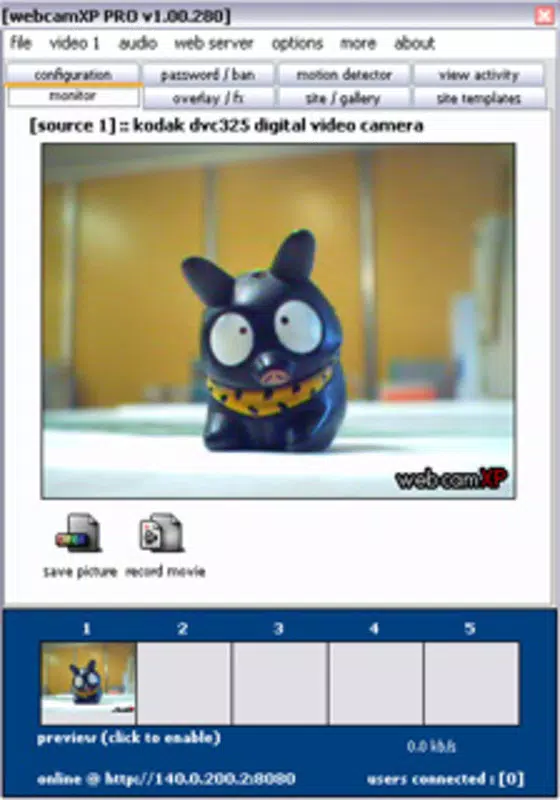
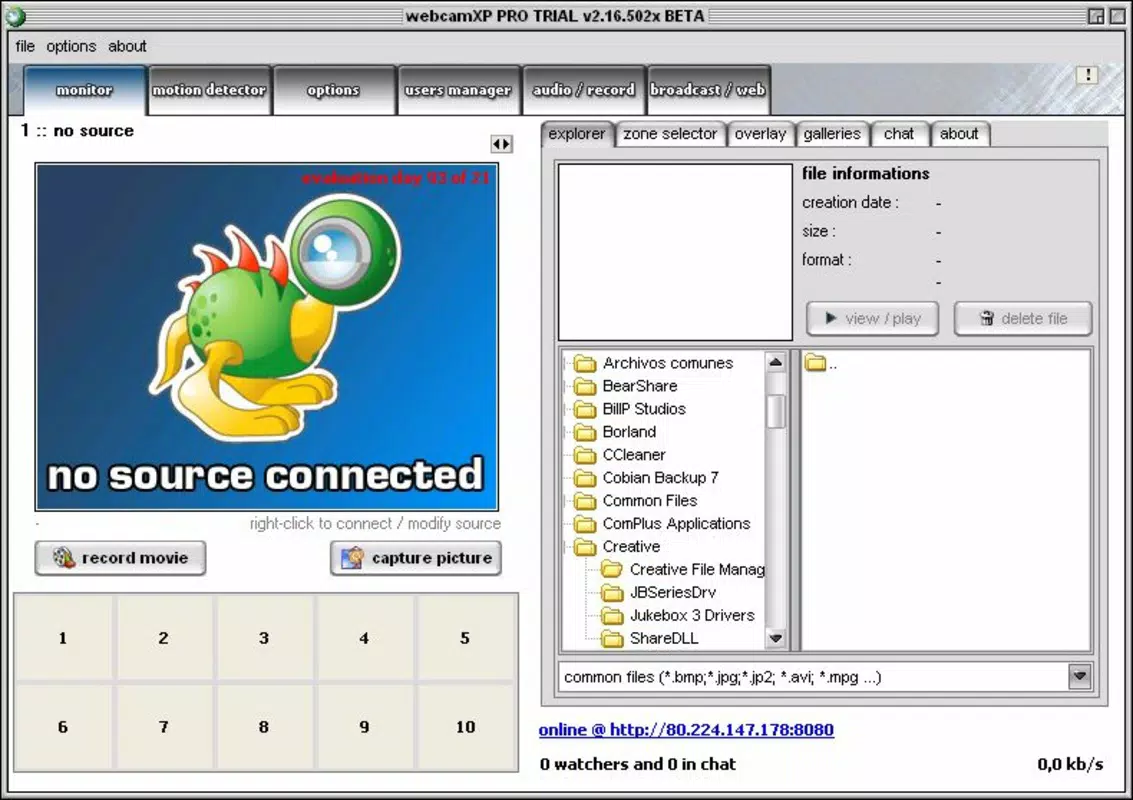
The app’s interface is clean and focused, prioritizing essential controls for streaming and scheduling. Navigation is straightforward, with clearly labeled options that guide users through setup and operation. The visual style is minimalistic, reducing distractions and emphasizing functionality over aesthetics.
Although the developer did not list formal performance metrics, the app’s small file size of 1.5 MB suggests it is optimized for low-resource devices. This lightweight design likely contributes to smooth operation on a wide range of Android smartphones and tablets. Users can expect responsive interactions, with minimal lag during streaming or configuration changes.
Stability appears to be a priority, given the app’s long-standing release history. While specific data on crashes or memory usage was not provided, the consistent versioning and minimal updates suggest a stable core experience. The app performs reliably in basic streaming tasks, though advanced features may depend on the quality of the source webcam and network connection.
Platform Compatibility & Technical Requirements
WebCamXP is available exclusively on the Android platform. The current version is 1.0.1, released on July 18, 2014. The app has a file size of 1.5 MB, making it suitable for devices with limited storage space.
The developer did not specify minimum OS requirements or compatibility details beyond the platform. As such, users should ensure their device is running a compatible version of Android, though no official restrictions were listed. The app’s lightweight nature suggests it may function on older Android devices, but this has not been verified by the developer.
Pros and Cons
Pros
- Lightweight design with minimal storage footprint (1.5 MB)
- Simple, intuitive interface suitable for non-technical users
- Supports both private and public live broadcasting
- Automated scheduling for photos and video recordings
- Multiple webcam switching for dynamic content capture
- Customizable output settings for different network conditions
Cons
- Release date indicates the app has not been updated in over a decade
- No official information on minimum Android OS requirements
- Developer did not provide details on compatibility with newer devices
- Limited visual feedback or advanced analytics for stream performance
- No in-app support or update notifications
FAQ
Is WebCamXP safe to download and use?
Yes, WebCamXP is free and available from trusted sources. As with any app, users should ensure they download it from official or verified platforms to maintain security.
Can I use WebCamXP with any webcam?
Yes, the app supports standard webcams connected to the device or network. However, compatibility may depend on the webcam’s driver support and connection method.
Does WebCamXP require an internet connection?
Yes, an active internet connection is required to stream video or upload content to a hosting server.
Is WebCamXP available on iOS?
Based on the provided information, WebCamXP is currently only available for Android devices.
How often does WebCamXP receive updates?
The last update was released on July 18, 2014. No recent updates have been published by the developer.
Final Thoughts
WebCamXP remains a niche but functional tool for users who need a simple way to broadcast live webcam footage from their mobile devices. Its lightweight design, intuitive interface, and scheduling features make it a viable option for basic remote monitoring and content creation. While the lack of recent updates raises concerns about long-term compatibility and security, the app continues to serve its core purpose effectively.
It is best suited for users with older Android devices, those who prioritize minimal resource usage, or individuals seeking a no-frills solution for occasional streaming. For modern users requiring advanced features or regular updates, alternative tools may offer better support.
Despite its age, WebCamXP delivers on its promise: a straightforward, free tool for webcam broadcasting. If you’re looking for a secure, low-footprint utility to stream live video from your webcam, this app is worth considering.
Download WebCamXP now


